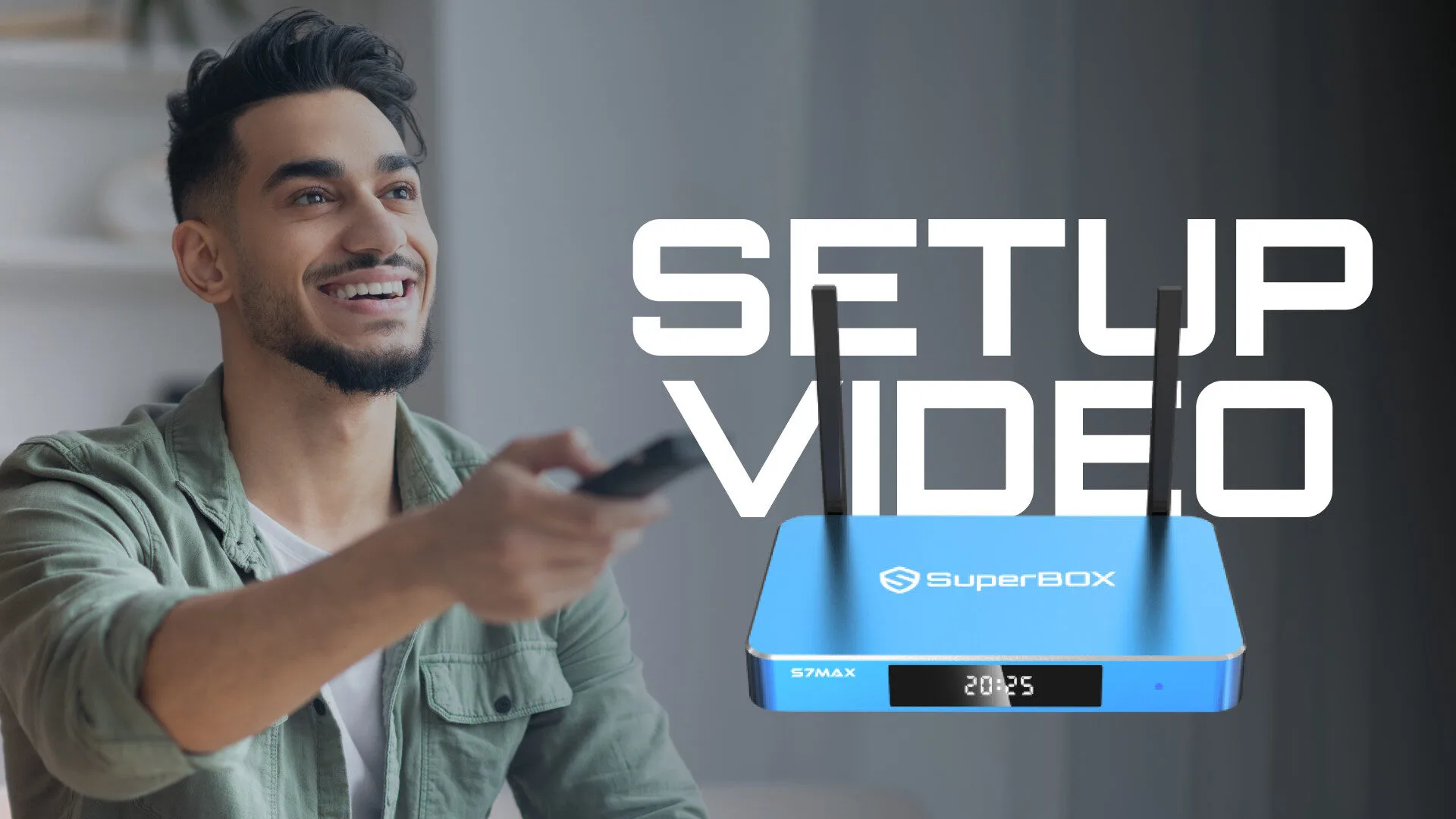
Step-by-Step Installation Guide
Installing your Superbox device is a straightforward process that can be completed in just a few minutes. This guide will walk you through each step, from unboxing your device to connecting it to your TV and network.
Begin by ensuring all components are included in the box: the Superbox device, remote control, power adapter, and HDMI cable. Follow the instructions in the video for a visual demonstration, making it easier to follow along and ensure you don’t miss any crucial steps.
Troubleshooting Common Issues
If you encounter any problems during or after the installation of your Superbox device, this section provides solutions to common issues. Many users face similar challenges, and having a quick reference can save time and frustration.
For instance, if your Superbox fails to connect to Wi-Fi, ensure that your router is functioning properly and that you have entered the correct password. Additionally, check for firmware updates that may resolve connectivity issues. Refer to the setup video for visual troubleshooting tips.
Accessing Content on Your Superbox
Once your Superbox is successfully installed, accessing content is simple and user-friendly. This section explains how to navigate the interface and find your favorite shows and movies.
The Superbox interface allows users to browse through various categories, including live TV, on-demand content, and apps. Familiarize yourself with the remote control functions as demonstrated in the setup video to enhance your viewing experience and quickly locate your desired content.
Customer Support and Resources
For ongoing support and resources, Superbox offers a range of options to assist users. Whether you have installation questions or need help with features, customer support is readily available.
You can access a dedicated support page on the Superbox website, which includes FAQs, user manuals, and contact information for live support. This ensures that you have all the help you need to make the most of your streaming experience.